





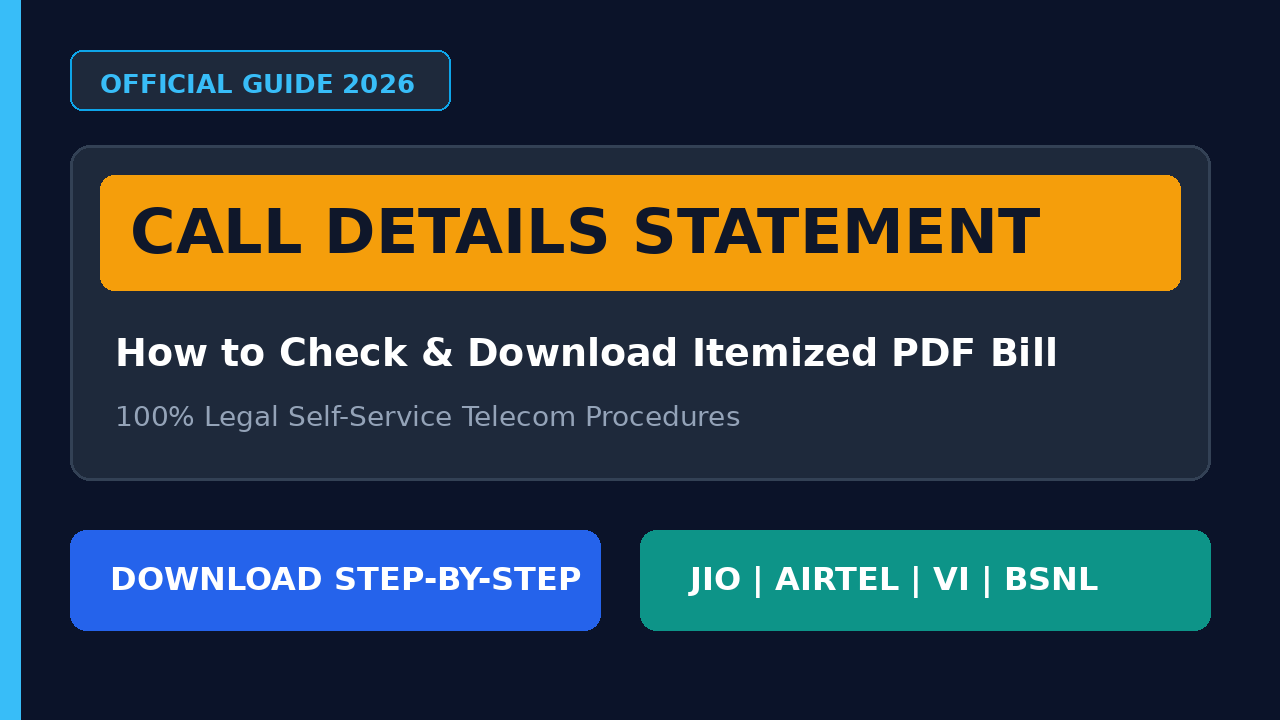
Mobile telecom subscribers often need itemized voice call records, SMS timestamps, or data deduction summaries for tax filing, corporate expense claims, or personal record-keeping. The safest, legitimate method to obtain these records is through official telecom portals and self-care utilities provided by licensed service providers.
Accessing communication records is strictly regulated under Indian telecom and data protection guidelines. Subscribers are permitted to access transaction statements only for mobile connections registered under their own verified identity.
Legal & Privacy Notice:
Attempting to monitor or retrieve call logs of another individual without verified legal authorization is an offense under the Indian Telegraph Act and IT Rules. This informational guide explains legitimate, self-service procedures offered by licensed telecom operators (Jio, Airtel, Vodafone Idea, and BSNL) for primary account owners.
What is an Itemized Call Detail Statement?
An itemized billing statement—often referred to as an outgoing Call Detail Record (CDR) log—is an account-level document generated by a cellular provider. It outlines billable network transactions for a specific billing cycle or date range.
read also: Instagram Chat Hide Kaise Kare? जानें चैट छिपाने के आसान तरीके
What an Itemized Statement Contains:
Outgoing phone numbers dialed from the registered SIM.
Exact date, timestamp, and duration (in minutes and seconds) of each call.
Outgoing SMS logs and network data volume deductions.
Applicable roaming or value-added service charges.
What an Itemized Statement Does NOT Contain:
Audio Recordings: Telecom operators do not record or provide conversational voice audio. Call logs are transaction metadata, not sound recordings.
Incoming Call Details: Standard prepaid and postpaid itemized statements do not list incoming calls unless specific billing charges were incurred (such as international roaming incoming calls).
1. How to Check Jio Call Details (Prepaid & Postpaid)
Reliance Jio offers account logs directly via its digital ecosystem. Registered subscribers can review recent history or export historical PDF statements up to 180 days.
Real-Time Usage Check:
Open the MyJio application on your smartphone.
Sign in via your registered mobile number using OTP authentication.
Tap on the Mobile tab and select Check Usage.
Switch to the Calls section to inspect recent outgoing calls.
Downloading Official PDF Statements:
Go to the app menu and select My Statement (or Usage Details > View Statement).
Select your custom date range (up to a 30-day window per request, within the past 180 days).
Choose your preferred output: View Statement, Download Statement (PDF), or Email Statement.
The downloaded statement serves as an official proof of telecom expenses.
2. How to Get Airtel Call Details via Official Methods
Bharti Airtel enables its subscribers to retrieve itemized statements through SMS protocols as well as the digital self-care portal.
Method A: Airtel Prepaid Itemized Bill via SMS:
Open the default messaging app on your registered Airtel SIM.
Draft an SMS with the following command:
EPREBILL <Month> <Email ID>(Example:
EPREBILL SEP user@example.com)Send this text message to 121.
You will receive an immediate SMS confirmation containing the transaction ID and a system-generated password.
Airtel will deliver a password-protected PDF statement to your submitted email address. The password format is usually the subscriber’s year of birth followed by the last 4 digits of the mobile number.
Method B: Airtel Thanks App:
Launch the Airtel Thanks application.
Navigate to Manage > Bills & Transactions.
Select Past Bills or Account Summary to view and export previous monthly billing cycles.
3. How to Check Vi (Vodafone Idea) Call History and Bill
Vodafone Idea subscribers can monitor usage logs and request billing summaries directly from the account portal:
Open the Vi App on your smartphone.
Navigate to the Main Menu and tap on My Account.
Select Usage History to inspect recent outgoing voice sessions, SMS transactions, and internet balance deductions.
For formal billing copies, choose Email Bill / Statement, specify the billing month, and confirm your registered email address.
Users can also dial the USSD short code
*199#from their dialer to check real-time account balances and last-call deduction alerts.
read also: Instagram Followers नहीं बढ़ रहे? रुकिए, ये 13 असली तरीके आपकी तकदीर बदल सकते हैं
4. How to Retrieve BSNL Call Records
Bharat Sanchar Nigam Limited (BSNL) provides account records through regional self-care platforms:
BSNL Selfcare Portal: Log in to
selfcare.bsnl.co.inusing your credentials and select your active mobile number to view itemized transaction histories.Customer Care Protocol: Postpaid users receive itemized monthly bills automatically via post or registered email. Prepaid customers requiring stamped or certified call logs for official proceedings can submit a physical application with valid KYC identity proofs at their local BSNL Customer Service Center (CSC).
Frequently Asked Questions (FAQ)
Can I retrieve incoming call details from my telecom operator?
Standard telecom self-care portals and itemized statements display only outgoing activity. Telecom operators do not publish incoming call numbers on consumer statements due to subscriber privacy frameworks. Incoming records can only be accessed through law enforcement requests during official legal investigations.
Can deleted call history be recovered?
If you have accidentally cleared the recent call history on your handset, you can restore it only if a cloud backup (such as Google Drive, Samsung Cloud, or Apple iCloud) was generated prior to deletion. The telecom operator’s billing statement can help you verify outgoing numbers, but local handset metadata cannot be restored directly from the network.
Are third-party call tracker apps safe?
Never download unverified third-party mobile applications or visit unofficial portals that claim to retrieve private call logs by simply typing a phone number. These platforms are often phishing traps designed to steal OTPs, intercept private data, or install malware on your smartphone. All legitimate telecom account operations require direct two-factor OTP verification from the service provider.
Final Words
To check call details of your mobile connection, rely solely on verified applications such as MyJio, Airtel Thanks, and Vi, or use standard carrier SMS shortcodes. These official channels protect your personal credentials, provide verified accounting statements, and operate within established privacy and regulatory guidelines.
read also: Snapchat deleted photos kaise recover kare?



Leave a Comment