




In today’s digital world, “How to Get Call Details” is a common question among smartphone users. There are many situations when you may need to check your previous calling activity—for example, when you want to find out which number you called, the date and time of a call, or how long a particular conversation lasted.
Your mobile phone usually keeps a recent call log, but if you need older information or a more detailed statement, your telecom operator may provide additional account or usage details through its official services.
However, there is an important privacy rule to understand: you should access call information only for your own mobile number or an account you are legally authorized to manage. Trying to obtain another person’s private call records without proper authorization can violate privacy and applicable laws.
This article explains what Call Detail Records (CDR) are, how you can check information related to your own number, what options major Indian telecom operators may provide, and how to avoid fake call-detail websites and apps.
What Are Call Detail Records (CDR)?
Call Detail Records, commonly known as CDR, are telecom records associated with communication activity on a mobile connection.
Depending on the type of record and the telecom operator, such information may include details such as:
-
The phone number involved in a call
-
Date of the call
-
Time of the call
-
Call duration
-
Incoming call information
-
Outgoing call information
-
Certain SMS-related usage information
It is important to remember that a CDR is generally not the same as a call recording. A call-detail record provides information about the communication event; it does not normally contain the actual audio of the conversation.
Telecom operators maintain their own records according to their systems, policies, retention periods, and applicable regulations.
How to Get Call Details of Your Own Number?
If you want to check your own calling information, the safest option is to use your telecom operator’s official application, website, account portal, bill, or customer-support channel.
The exact options can vary between providers and may change when an app or service is updated.
1. How to Check Airtel Call Details
Airtel customers may be able to access account and usage-related information through official Airtel services.
Using the Airtel App
Open the official Airtel application and sign in with your mobile number.
Depending on the current app interface, look for sections such as Usage, account details, or billing information to see what calling information is available for your connection.
The names and location of these options may change with app updates.
Through Airtel Customer Support
You can also contact Airtel through its official customer-care channels if you need assistance with your account or available usage information.
Customer support may ask you to complete an identity or account verification process before providing account-related information.
SMS or Statement Services
Airtel has offered statement and billing-related services through different channels over time. If you are looking for an older method such as an SMS-based statement request, verify the current process through Airtel’s official support resources before using it, because service commands and procedures can change.
2. How to Check Jio Call Details
Jio customers can use the MyJio App and other official Jio account services to manage their connection and view information made available for their number.
Using the MyJio App
The general process is:
-
Open the MyJio App.
-
Sign in using your Jio mobile number or account.
-
Go to the relevant Telecom, Usage, or account section.
-
Look for available call-related information or statement options.
-
If a statement option is provided, select the appropriate date range.
-
Depending on the available features, you may be able to view, download, or request the statement by email.
The exact menu names may differ depending on the current version of the MyJio app.
Using Jio’s Online Account Services
You may also be able to manage your Jio connection through Jio’s official online services.
If you require historical information, check what records are currently available for your account rather than relying on unofficial websites claiming to provide unlimited call details.
3. How to Check Vi Call Details
Vi customers can use the official Vi application and account services to check available usage information.
Through the Vi App
The general process is:
-
Open the official Vi App.
-
Log in using your Vi mobile number.
-
Go to the Usage or relevant account section.
-
Check the calling information available for your number.
If you need a detailed statement that is not visible in the application, you can contact Vi customer support and ask about the available options.
Requesting Account Information
For certain account-related requests, the telecom provider may require verification or additional information to confirm that you are authorized to access the account.
Always follow the provider’s current official procedure instead of sending personal documents to an unknown email address or website.
Can You Get Call Details of Any Number Without an OTP?
No, you should not expect to obtain another person’s private call details simply by entering their mobile number or avoiding OTP verification.
Call records can contain sensitive information, so legitimate telecom services generally use account verification and authorization procedures to protect customers.
Websites and applications that claim to provide the complete call history of any mobile number without authorization should be treated with caution.
Some of these services may be designed to collect:
-
Mobile numbers
-
Login credentials
-
OTPs
-
Email addresses
-
Personal information
-
Payment details
In some cases, they may also attempt to persuade users to download suspicious applications.
Why Is OTP Important?
An OTP is commonly used as an additional verification mechanism when accessing an account or performing certain protected actions.
If an official telecom service asks you to verify your identity using an OTP, enter it only through the legitimate application, website, or service you intended to use.
Never share an OTP with an unknown person or an unofficial website.
Can You Get Someone Else’s Call Details?
You should not try to access another person’s private call records without proper permission or legal authorization.
Call records can reveal sensitive information about someone’s communication activity. Attempting to obtain such information through unauthorized methods may create privacy and legal issues.
If you manage a family member’s, employee’s, or business number, make sure you have the appropriate authorization and use the account-management options provided by the telecom operator.
What Is the Difference Between Call History and CDR?
People often use the terms “call history” and “call details” interchangeably, but they can refer to different levels of information.
Call History
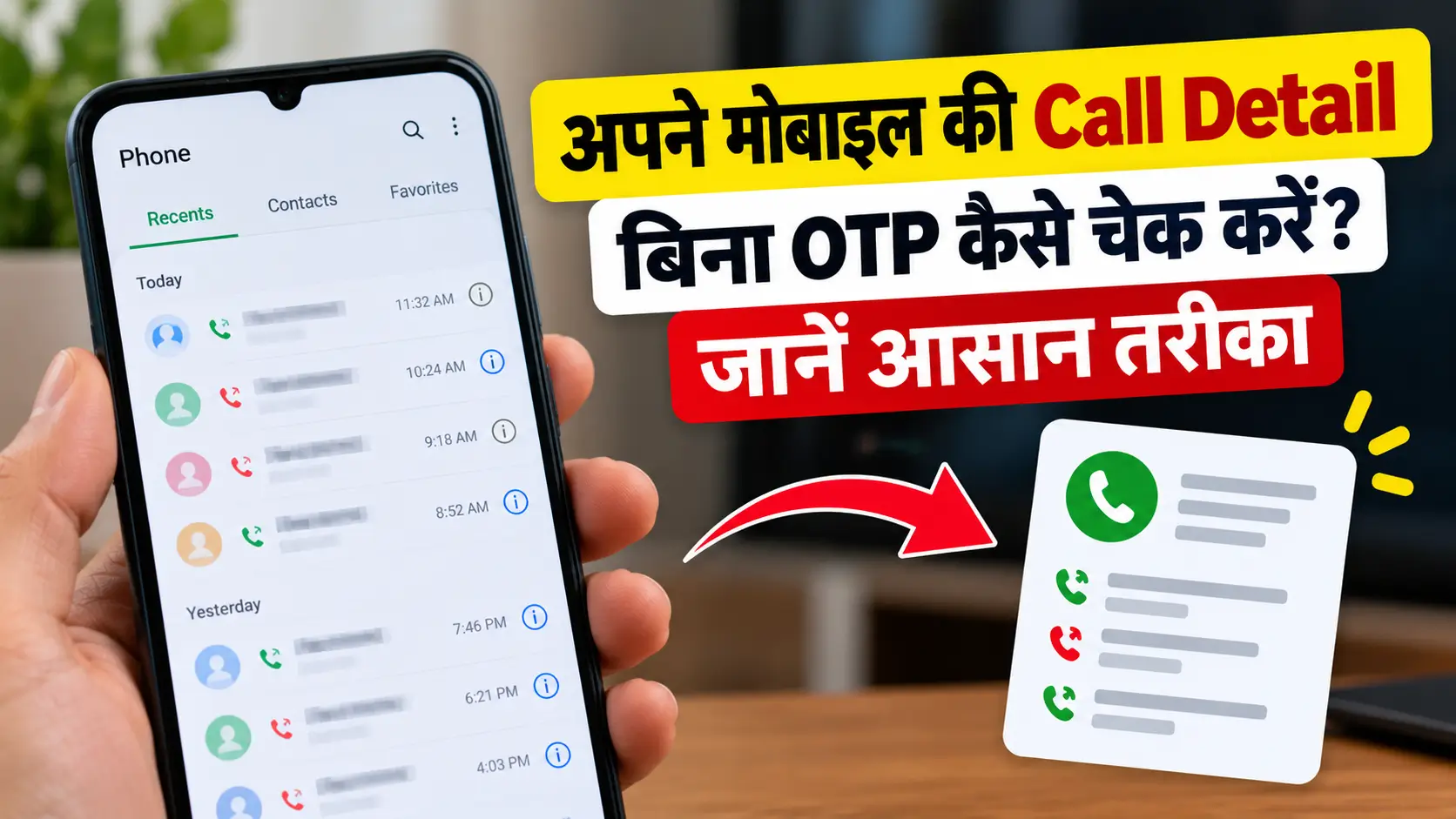
Your phone’s call history is the list of recent calls stored by the Phone app. It may show:
-
Contact or phone number
-
Incoming or outgoing status
-
Date
-
Time
-
Duration
Call Detail Record
A CDR is a telecom-side record associated with a communication event. The information included depends on the operator, service, record type, retention policy, and applicable regulations.
Therefore, the call log visible on your phone and the information maintained by a telecom provider are not necessarily identical.
How Long Are Call Details Stored?
There is no universal period for which every call record remains available to a customer.
The availability of historical information can depend on:
-
Telecom operator
-
Type of record
-
Retention policies
-
Account type
-
Billing system
-
Applicable regulations
-
Date range requested
Your phone itself may retain only a limited number of recent calls. Older entries can disappear as new calls are added or when the call log is manually cleared.
Therefore, if you need an important record, it is better to check the official account or statement options available for your number rather than assuming the information will remain accessible forever.
How to Stay Safe While Checking Call Details
Searching for call-detail information can sometimes lead users to suspicious websites and applications. Following a few simple security practices can help protect your account.
Use Only Official Services
Whenever possible, use your telecom operator’s official app, website, customer-care number, or account portal.
Never Share Your OTP
An OTP is meant for verification. Do not give it to strangers, unofficial agents, or suspicious websites.
Don’t Share Your Password
Your telecom account password should remain private. Legitimate customer support should not require you to disclose confidential login credentials unnecessarily.
Avoid Unknown Apps
Do not install APK files or third-party applications simply because they promise access to call records.
Be Careful With “Any Number” Claims
A website promising the call history of any mobile number is a major warning sign. Private telecom records are not something that should be freely accessible through a random website.
Check Website Authenticity
Before entering account information, make sure you are using the telecom operator’s legitimate website or official application.
Common Myths About Call Details
There are many misleading claims online regarding mobile call records. Here are some common misconceptions.
Myth 1: You Can Get Any Number’s Call History by Entering Its Mobile Number
False. A mobile number alone does not give you legitimate access to another person’s private call records.
Myth 2: A Special App Can Reveal Complete CDRs
Be cautious. Apps claiming to unlock private telecom records may be unsafe, misleading, or designed to collect personal information.
Myth 3: You Can Always Recover Every Deleted Call
Not necessarily. A deleted phone call log may not always be recoverable. Availability depends on backups, device records, and telecom account information.
Myth 4: CDR Means You Can Listen to the Conversation
False. Call Detail Records generally contain information about the communication event rather than the audio content of the conversation.
Key Takeaways
-
You can check your own call-related information through your telecom operator’s official services.
-
Airtel, Jio, and Vi provide account-management and usage services through their respective official channels.
-
MyJio can be used to access available information associated with a Jio connection.
-
Airtel and Vi customers can check their available account or usage information through their official applications and support channels.
-
The exact options and menu names can change when telecom apps are updated.
-
CDR and call recording are different things.
-
You should not attempt to access another person’s private call records without authorization.
-
Never share OTPs, passwords, or sensitive personal information with suspicious websites or individuals.
-
Avoid third-party applications claiming that they can provide the call history of any mobile number.
Frequently Asked Questions About Call Details
Q1. How can I check the call details of my mobile number?
You can start by checking the Phone app’s recent call history. For additional account-level information, use your telecom operator’s official app, website, bill, or customer-support service.
Q2. Can I get call details of another person’s number?
You should not access another person’s private call records without appropriate authorization. Telecom records are protected information and should be accessed only through legitimate channels.
Q3. Can call details be obtained without an OTP?
The requirements depend on the specific service and account. However, you should not use the absence of OTP verification as a way to bypass someone else’s account security or privacy.
Q4. Can I download my call statement?
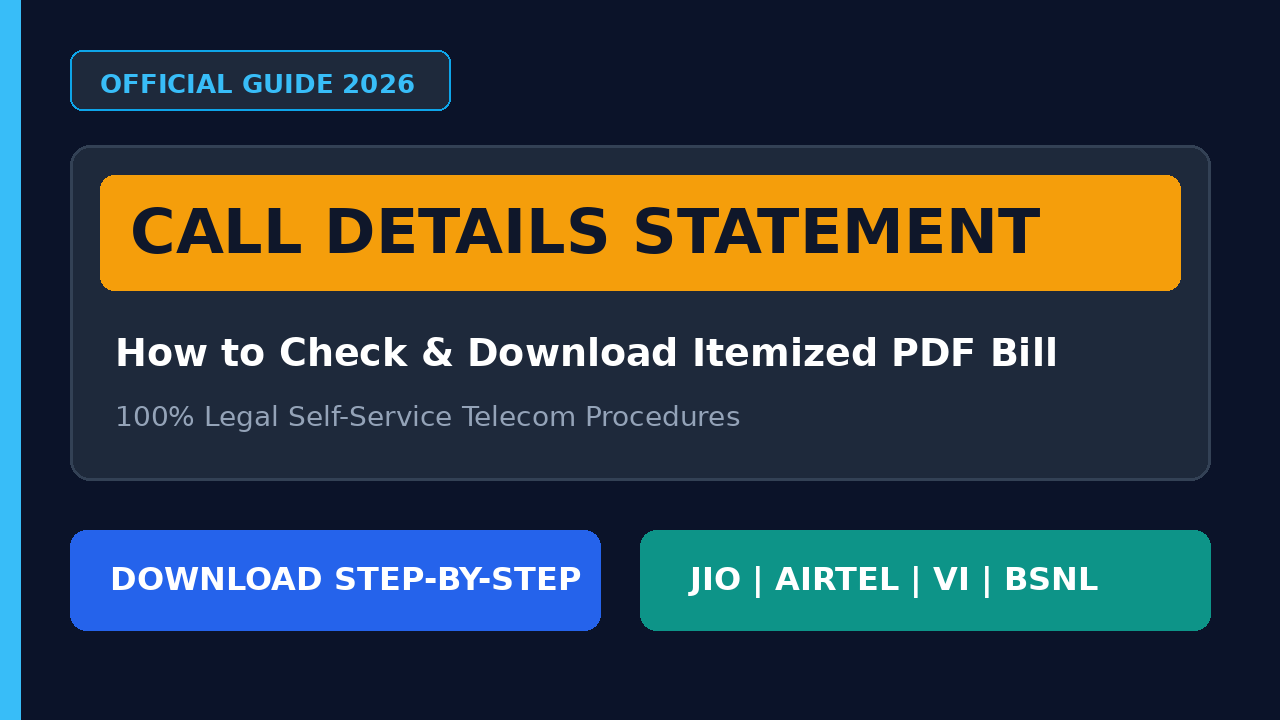
Some telecom providers offer statement-viewing or download options through their official account services. Availability depends on the operator and your account.
Q5. What is included in a CDR?
Depending on the record type, a CDR may contain information such as the numbers involved, date, time, duration, and communication type. The exact information varies by operator and record.
Q6. Does CDR contain call recordings?
No. A CDR is generally a record of communication activity and does not normally contain the audio of the conversation.
Q7. Are websites offering “call details of any number” trustworthy?
You should be very cautious. Claims that a random website can instantly provide private call records are generally a strong reason not to provide your personal information or account credentials.
Conclusion
If you are searching for “How to Get Call Details”, the safest approach is to use the official services provided by your telecom operator. Depending on your network, you may be able to check available calling information through an official mobile app, website, statement, bill, or customer-support channel.
Remember that call history, telecom usage information, and CDR are not necessarily the same thing, and the amount of historical information available can vary.
Most importantly, call records should be treated as private information. Use these services only for your own number or an account you are legitimately authorized to manage. Avoid websites and apps promising access to anyone’s call history, and never share your OTP, password, or sensitive account information with unknown sources.
By following official and secure methods, you can check your available call information while keeping your personal data and telecom account protected.

Leave a Comment